Selecting a single area for your token trial
Running a restricted rollout requires you to pick a high-impact, low-risk zone where you can observe the technology without overwhelming your staff. You might choose a specific activity, such as a dedicated merchandise counter or a single entrance lane, to isolate variables and focus purely on practical implementability. Isolating the process in this way ensures that any technical hurdles remain contained and manageable while your team learns the system. This controlled environment builds confidence in the operational flow and provides a clear baseline for evaluating how well the tokens perform under real visitor traffic.
Choosing straightforward equipment for your first test
Setting up a localized token system means you only need to invest in the minimal hardware and software required to capture data effectively. You can build a reliable test environment using accessible tools rather than enterprise-level systems, which prevents you from over-investing in complex infrastructure too early. This straightforward integration approach reassures your project leads that they can establish a functional trial with standard equipment. By keeping the initial setup simple, your team can focus on how the technology interacts with your specific workflow rather than troubleshooting an overly complicated network.
Selecting the physical tokens
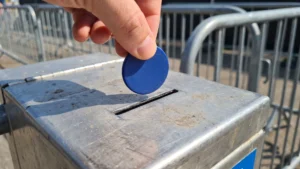
The physical tracking tokens you choose for your trial, such as key fobs or wristbands, typically contain a passive chip that requires no internal battery. These passive tokens rely on the reader station to provide the necessary electromagnetic power to transmit their Unique Identifier (UID) and any stored data. When a user brings the token within a few centimeters of the reader, the system activates instantly and sends data directly to your records. Choosing a passive design lowers your initial hardware costs and ensures your attendees do not have to worry about device battery life during the event.
Setting up reader stations
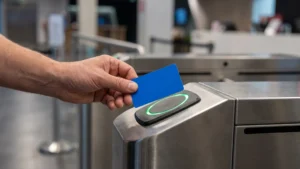
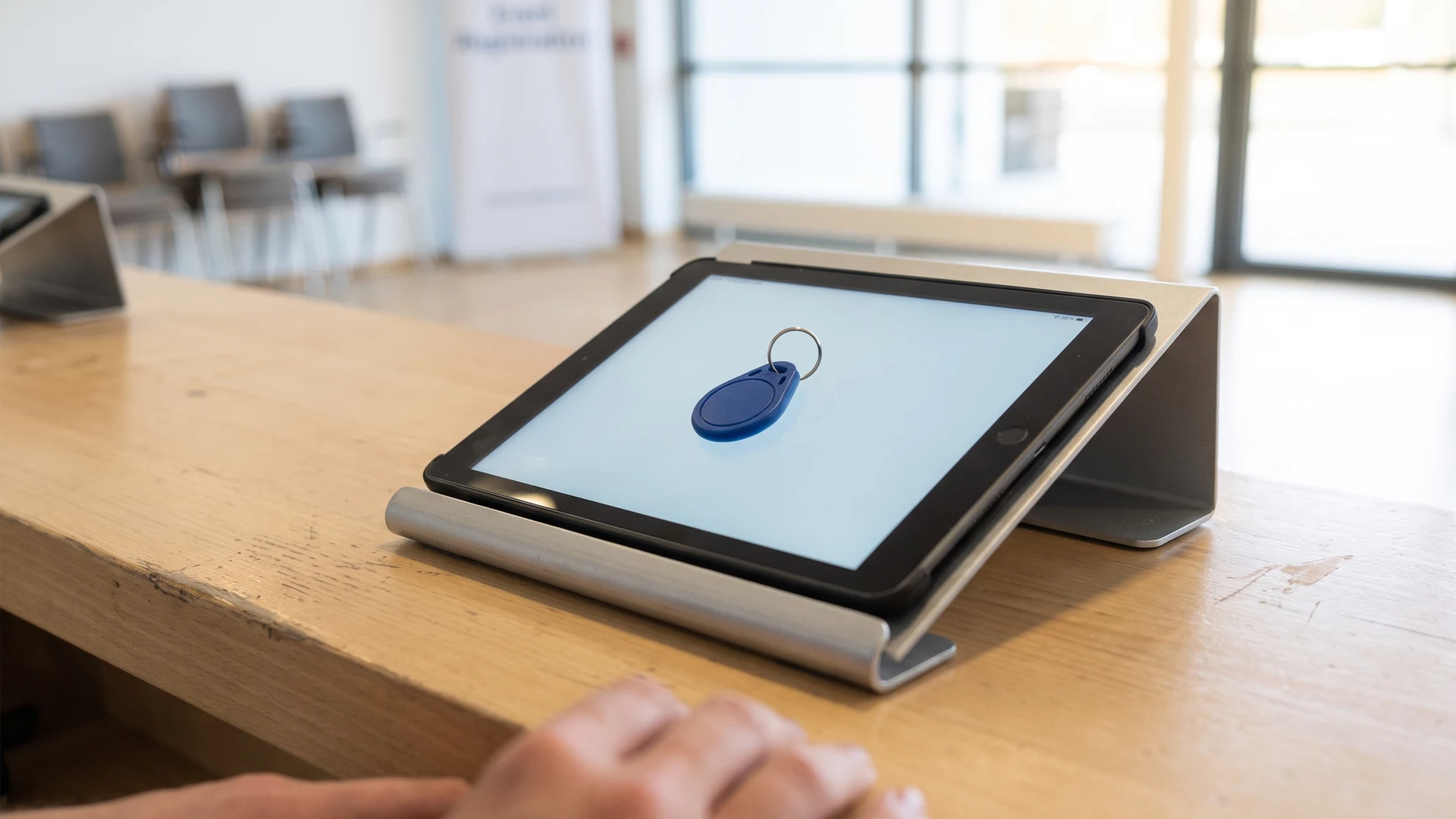
Your reader stations act as the active central hubs that power and capture data from the nearby passive tokens. You can utilize Near Field Communication (NFC) enabled tablets as localized scanning hardware, which offers a flexible and software-driven solution with a large interactive touchscreen. When configuring these stations, you must position the internal radio frequency antennas carefully to ensure the electromagnetic signal reaches the token without interference from metallic surfaces. Proper placement and a clear line of sight maximize the signal intensity and guarantee that the tablet logs the location and timestamp accurately.
Connecting to basic tracking software
Capturing the data at the reader station is only useful if you can transmit it securely to a local database for analysis. Your handheld readers or tablets can connect to a local network using standard wireless protocols, which then transfer the data payloads through software middleware or web Application Programming Interfaces (APIs). These intermediate software layers filter the raw tag reads into clean operational events rather than writing directly to a complex relational database. If your devices lose internet connectivity, the tracking application caches the data locally on the internal storage so you never lose critical visitor interactions.
Steps to brief your team before the event
Technology only succeeds if your staff can operate it smoothly, which makes a chronological training sequence essential before visitors arrive. Delivering a clear onboarding process ensures your team feels completely confident operating the readers and handling the tokens on the actual day. You must provide actionable operational guidance that walks them through the physical mechanics of the system and the basic troubleshooting steps. A well-prepared team minimizes queue friction and helps you gather accurate baseline metrics from your trial.
- Explain the core mechanics: You should first demonstrate exactly how the tracking token interacts with the reader station. Showing the team the required scanning distance and the visual confirmation signals gives them the practical understanding they need to guide visitors. Your staff need to know precisely where to tap the token on the tablet to activate the sensor reliably. This foundational knowledge prevents awkward delays when the first attendees step up to the test zone.
- Practice the physical workflow: Your team must physically rehearse the transaction process using the actual hardware they will operate during the event. Rehearsing the exact motions helps them build muscle memory and identify any awkward placements of the equipment. You can run simulated transactions where staff members take turns acting as both the operator and the visitor. These practical rehearsals expose minor workflow issues that you can correct long before the doors open to the public.
- Establish fallback procedures: You need to define exactly what happens if a token fails to read or a tablet temporarily loses its network connection. Giving your staff a clear set of manual overrides or backup steps removes the panic from unexpected technical glitches. They should know how to log an interaction manually and how to verify that the local caching system is storing the records securely. Clear fallback instructions ensure that your operations continue moving smoothly even if the primary technology encounters a temporary hurdle.
Measuring operations and visitor experience after the trial
Evaluating the success of your limited rollout requires you to measure actual results and queue times rather than pushing for immediate full-scale adoption. You need to review the logged data to assess whether the tokens actually reduced friction at the test stations or if they created new bottlenecks. Comparing the processing times of the token lane against your standard operational lanes offers an objective framework for judging the technology. This practical insight gives you the concrete evidence necessary to decide whether expanding the system aligns with your broader operational goals.
What is the simplest way to choose a first token use case at a small event?
Choose one high-traffic process with boundaries, like drinks or an activity sign-in. Map the steps and note where time is lost or errors happen. Define success with simple measures, such as queue time and miscounts. Keep it to one area and one token type. Run it for a fixed period.
Can I run a low-risk trial using only NFC-enabled tablets?
Yes, you can. Near Field Communication (NFC) tablets act as reader stations by energizing a passive token with no battery when tapped on the tablet. The app logs the token identifier (ID), time, and location, and provides feedback. If the network fails, it stores entries locally and syncs later.
How should we place a fixed reader station at a bar counter or gate?
For a fixed Radio Frequency Identification (RFID) station, aim a directional antenna at the exact pass zone and keep it close to reduce loss. Avoid metal or liquids nearby, which disrupt reads. Use a short, marked lane to prevent stray scans. If you add antennas, separate them to reduce interference.
How do handheld RFID readers send data into our records without a full integration?
A handheld Radio Frequency Identification (RFID) reader can send reads to your records using a small local app. Link the reader wirelessly or dock it after shifts. The app removes duplicates, adds timestamps, and writes to a spreadsheet or database. Start with exports, then move to live integration.
What metrics show if the token trial worked, and how do we collect them if the network drops?
Track a few clear measures, like average service time, queue length, error rates, and cash touchpoints removed. Compare a baseline day with the trial day. Use reader timestamps and a simple tally sheet at the station. If the network fails, rely on caching, which is temporary on-device storage, then sync.